BUSINESS LAPTOPS
 GAMING LAPTOPS
 BUSINESS MONITORS
 GAMING MONITORS
 CPU PROCESSOR
 GRAPHIC CARDS
 MOTHERBOARDS
 RAM
RAM
 STORAGE
 CASES
CASES
 POWER SUPPLY
 COOLING SYSTEM
 Flash & Memory Cards
 GAMING MONITOR
 GAMING LAPTOP
 GAMING PC
 GAMING ACCESSORIES
 CABLE & CONVERTERS
 KEYBOARD & MOUSE
 MOUSE & WRIST PAD
 LED STRIP LIGHTS
 SPEAKER SYSTEM
 MICROPHONE
 HEADSETS
 LAPTOP BAGS
 WEBCAMS
 LAPTOP STAND
 MONITOR STAND
 MOBILE ACCESSORIES
 POWER STRIPS
 Other
Other
 Printer
 INK
INK
 NETWORK CABLES
 NETWORK DEVICES
 BRAND DESKTOP
 ALL-IN-ONE COMPUTER
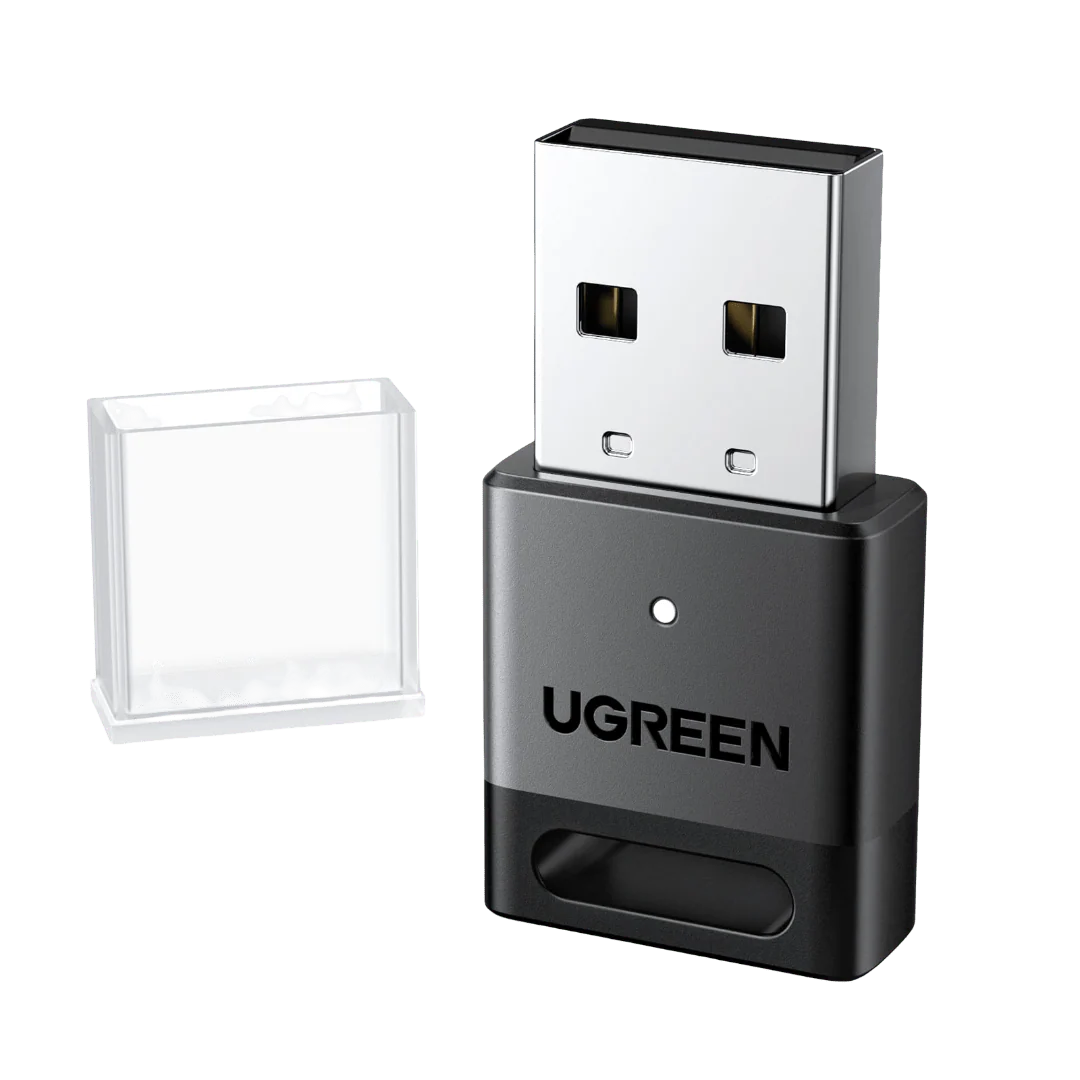
UGREEN 45134 USB BLUETOOTH 5.4 ADAPTER DONGLE RECEIVER EDR & BLE FOR PC
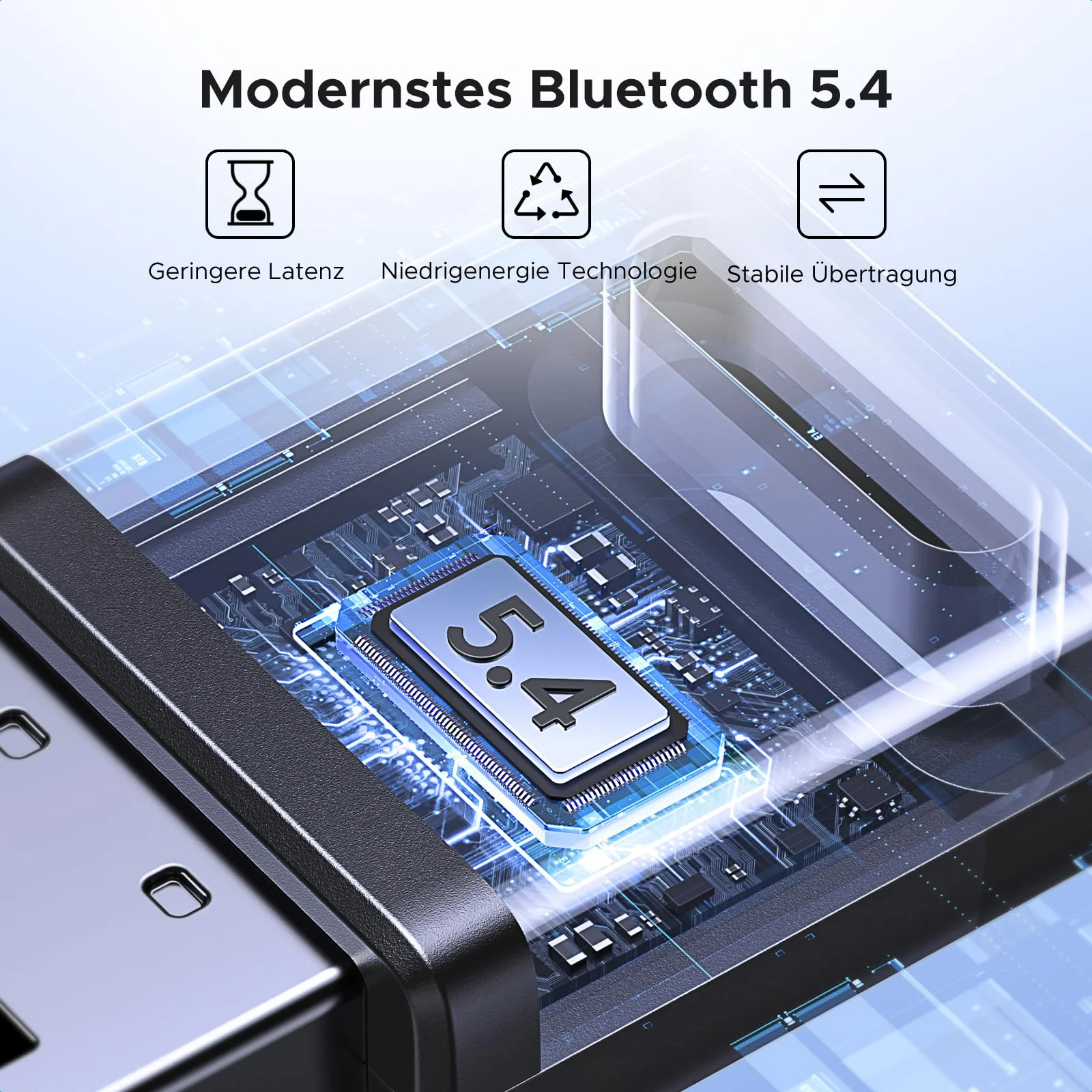
- Upgraded Bluetooth 5.4: Features 5.4+EDR tech with BLE support, backward-compatible with 5.3/5.2/5.1/5.0.
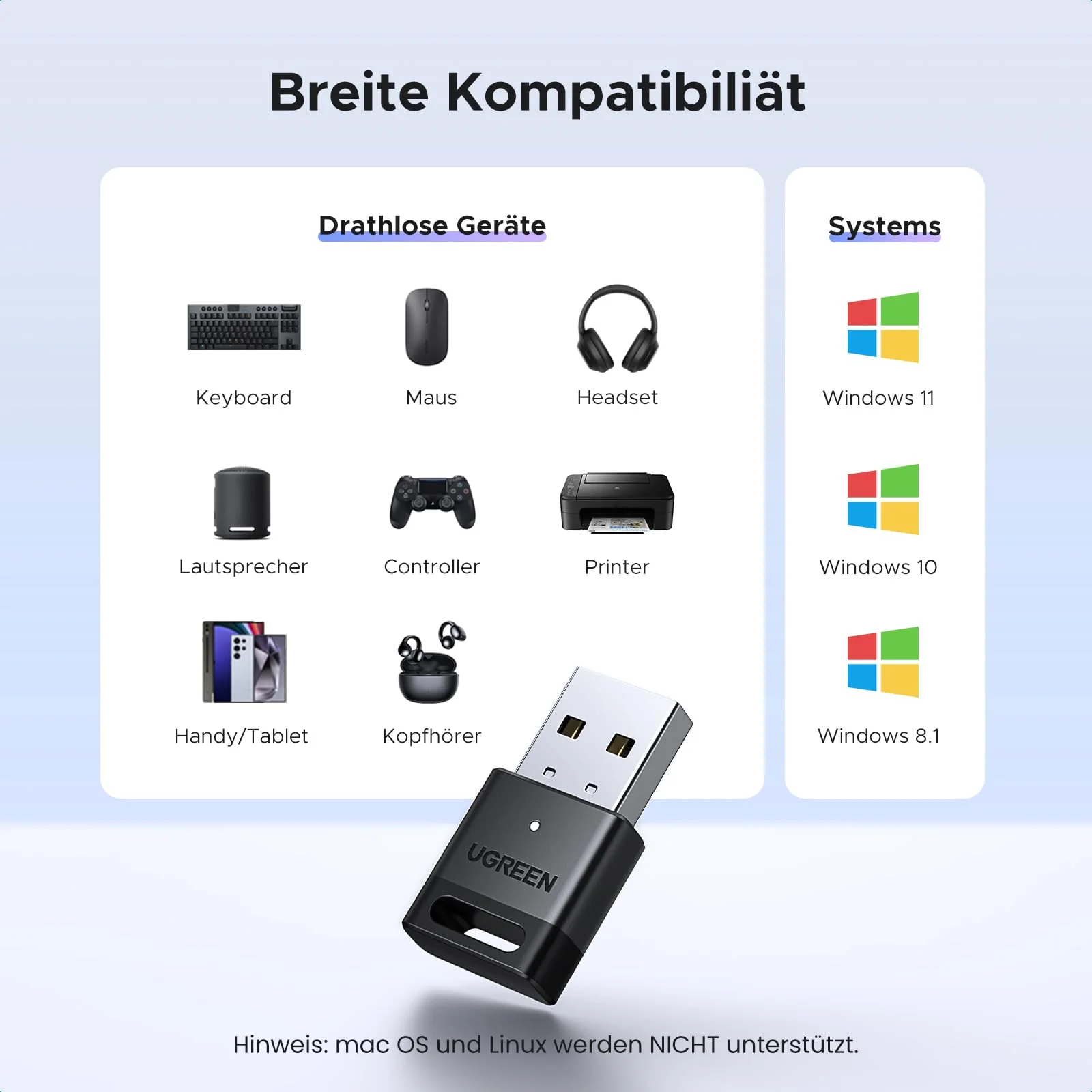
- 5 Devices Simultaneous: Connect up to 5 devices (mice, keyboards, phones, etc.). Only 1 audio device plays music when two are connected.
- Longer Range: Extended Bluetooth 5.4 range (obstacles may reduce it), meets daily needs.
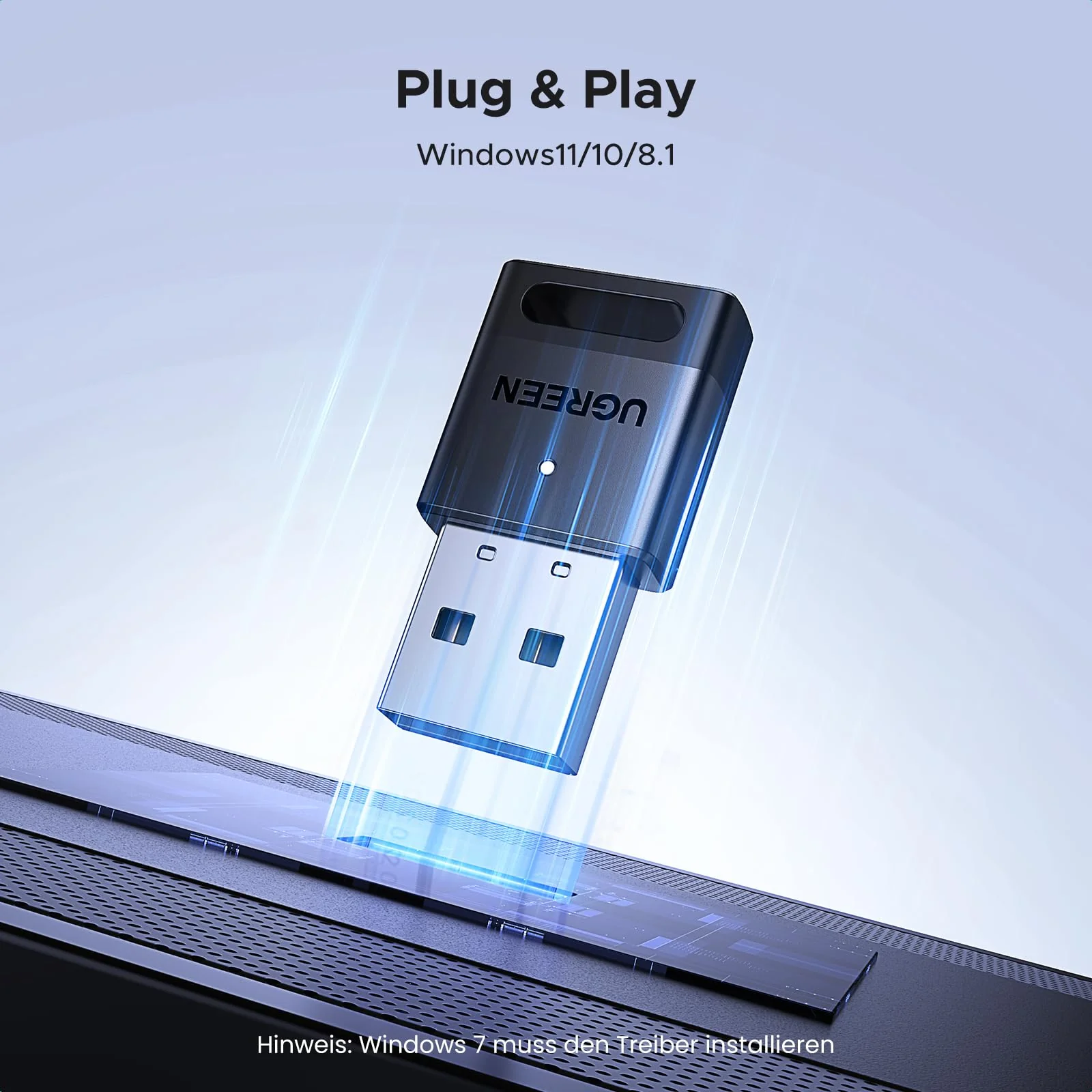
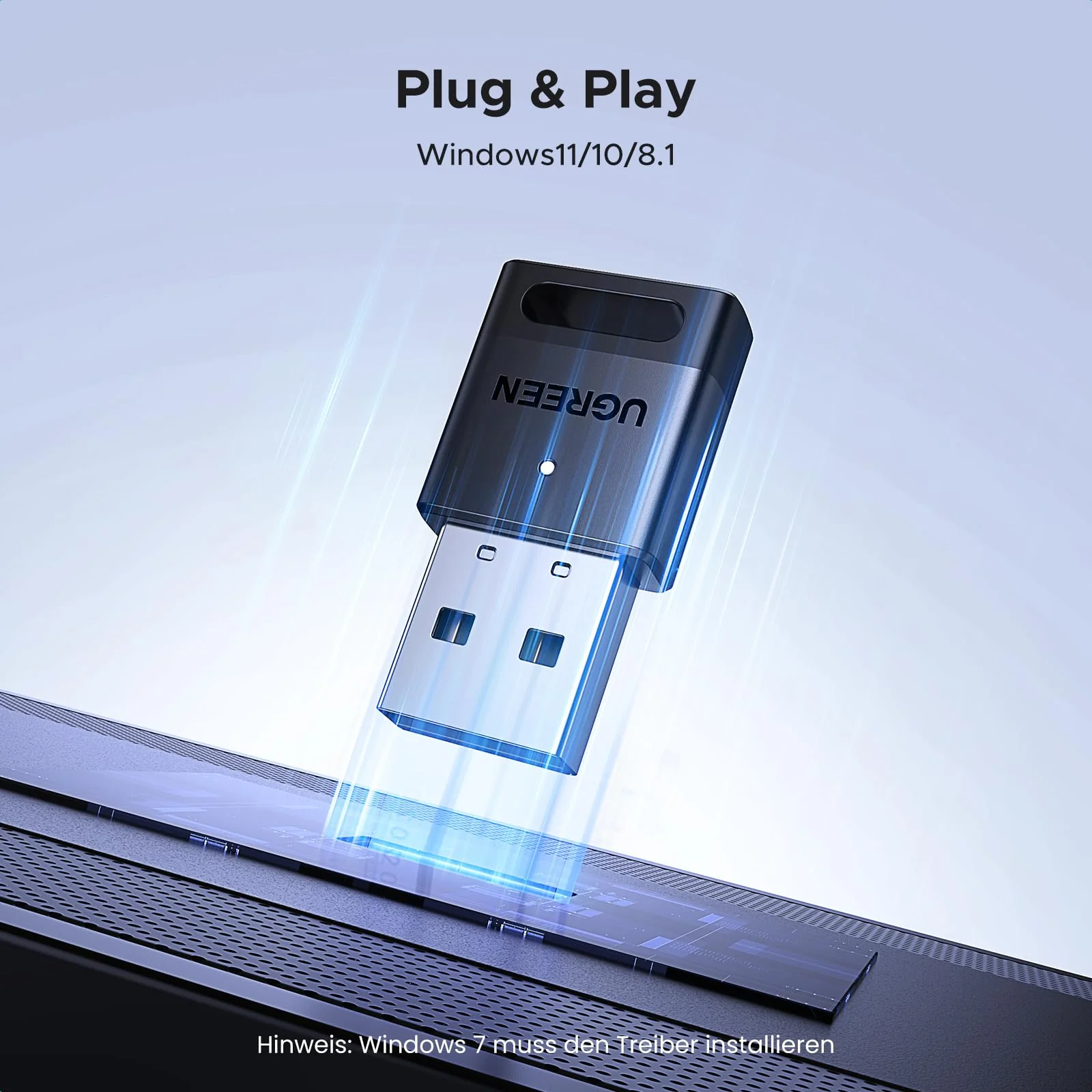
- Windows Plug-and-Play: Works with Win 11/10/8.1 (no driver); Win 7 needs drivers. No Linux support.
- Low Latency & High Performance: Lag-free data transfer, strong anti-interference.
- Bluetooth 5.4 Technology: This USB Bluetooth adapter features Bluetooth 5.4 technology, delivering faster data transfer speeds and a more stable connection compared to Bluetooth 5.3.
- Up to 5 Devices Sync Connected: The Bluetooth dongle for PC supports up to 5 different types of Bluetooth devices to be connected at the same time, such as Bluetooth mouse/keyboard/mobile phone/headphones, etc. Note: If Bluetooth audio devices of the same type (such as speakers/headphones) are connected, only one device can play music.
- EDR and BLE Technology: Equipped with Enhanced Data Rate (EDR) and Bluetooth Low Energy (BLE), this adapter offers optimized power efficiency and performance.
- Plug and Play: Designed exclusively for Windows systems, this Bluetooth receiver requires no driver installation on Windows 11/10/8.1. It is not compatible with Windows 8/7, Linux, or macOS.
- Broad Compatibility: The adapter supports Bluetooth 5.4 and is backward compatible with earlier versions such as Bluetooth 5.3 and 5.0.
- Note: 1. It can not be used directly on PS3, PS4, PS5, Switch, or Xbox Console; but it works with Game Controllers. 2. The transmission range will be affected by physical obstructions, wireless interference and the wall. 3. It's not compatible with TV or Car.
- Note2: Ensure there are no other Bluetooth devices installed on the computer. If there are, disable all existing Bluetooth devices in "Device Manager", then insert the adapter and try again. (For detailed information please read the user manual)