BUSINESS LAPTOPS
 GAMING LAPTOPS
 BUSINESS MONITORS
 GAMING MONITORS
 CPU PROCESSOR
 GRAPHIC CARDS
 MOTHERBOARDS
 RAM
RAM
 STORAGE
 CASES
CASES
 POWER SUPPLY
 COOLING SYSTEM
 Flash & Memory Cards
 GAMING MONITOR
 GAMING LAPTOP
 GAMING PC
 GAMING ACCESSORIES
 CABLE & CONVERTERS
 KEYBOARD & MOUSE
 MOUSE & WRIST PAD
 LED STRIP LIGHTS
 SPEAKER SYSTEM
 MICROPHONE
 HEADSETS
 LAPTOP BAGS
 WEBCAMS
 LAPTOP STAND
 MONITOR STAND
 MOBILE ACCESSORIES
 POWER STRIPS
 Other
Other
 Printer
 INK
INK
 NETWORK CABLES
 NETWORK DEVICES
 BRAND DESKTOP
 ALL-IN-ONE COMPUTER
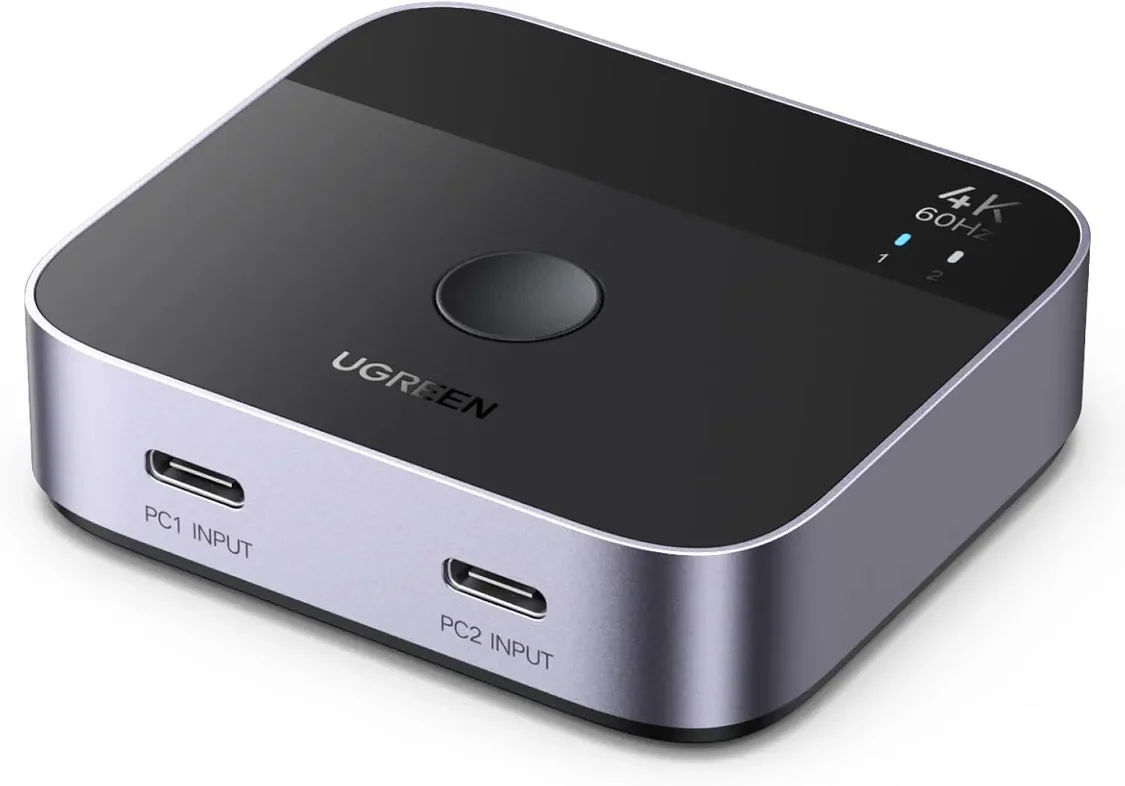
UGREEN 55451 2 USB-C INPUT TO 1 HDMI OUTPUT SWITCH 4K60HZ
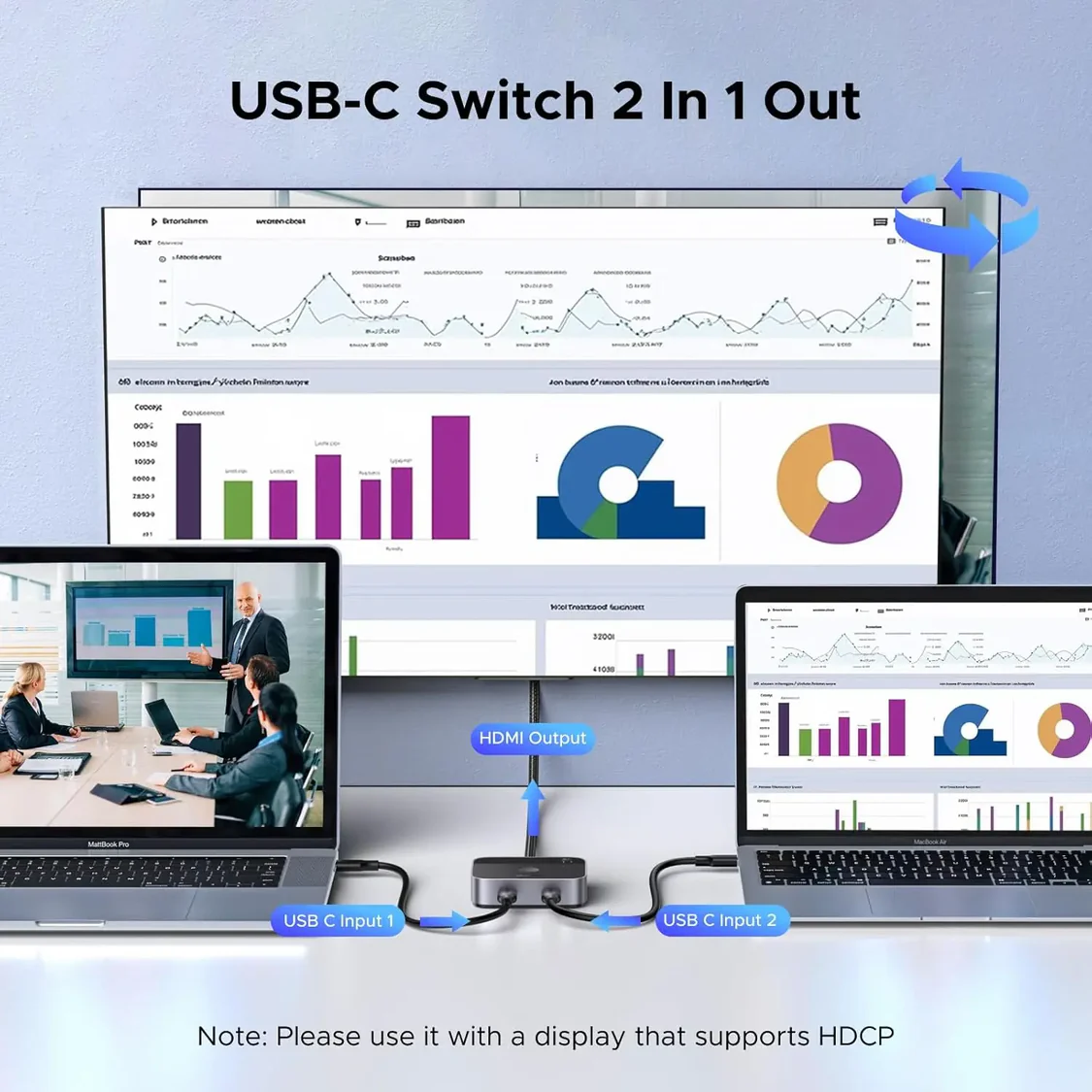
UGREEN 2 USB C to 1 HDMI Switch 4K 60Hz Aluminum Switcher 2 Computer HDR HDCP2.2 Laptop MacBook Air Pro iMac Desktop (55451)
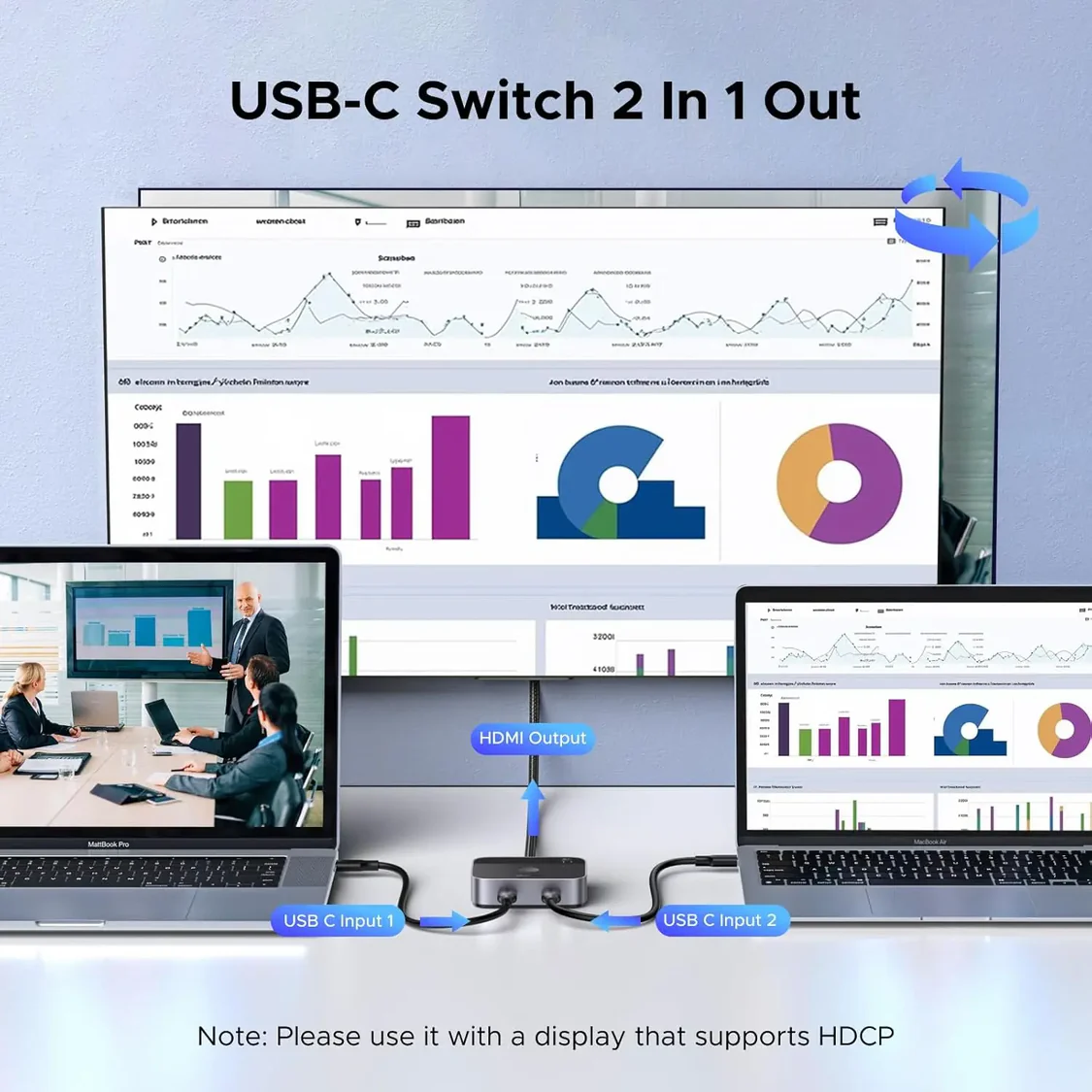
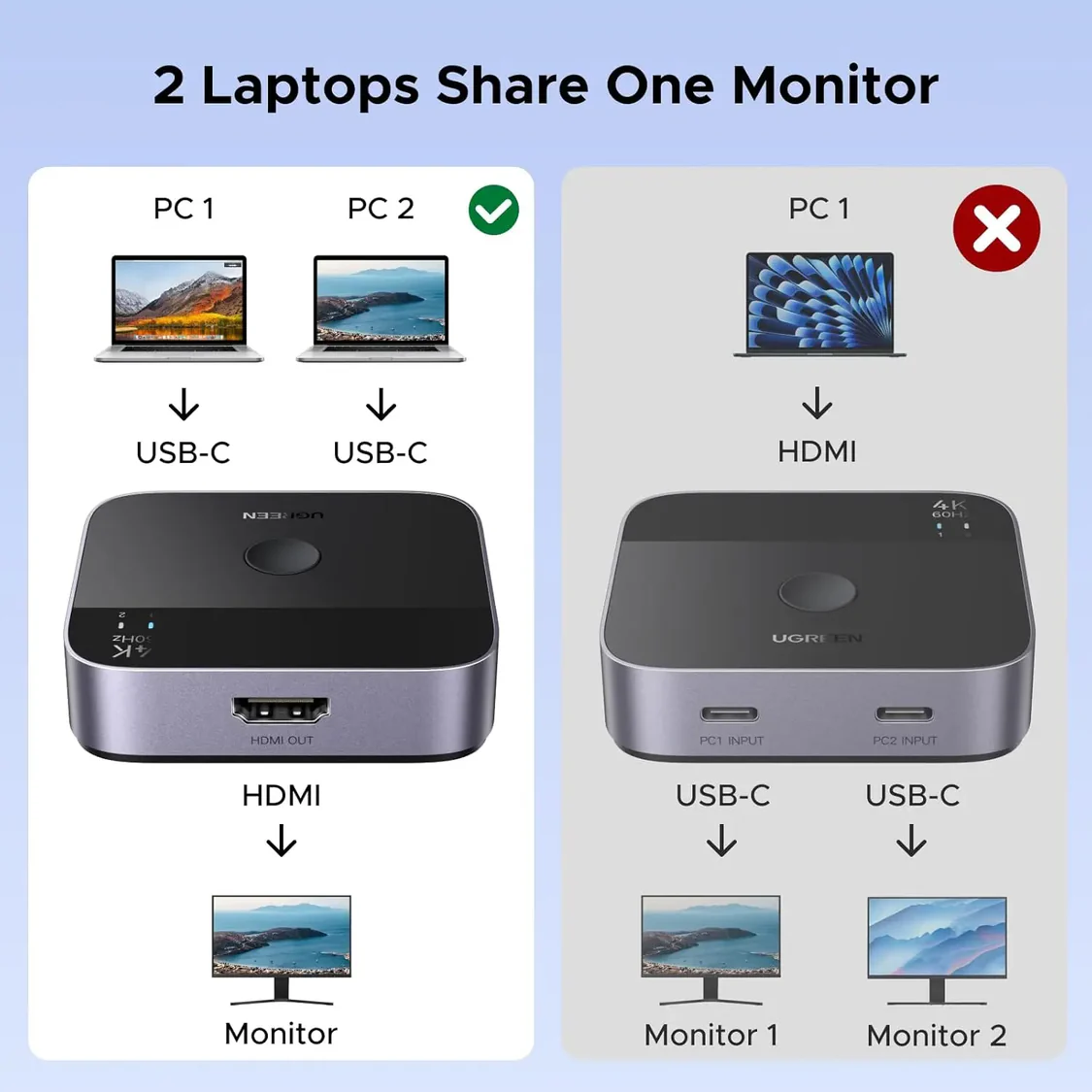
USB-C Switch 2 Computers: With this USB-C switch 2 in 1 out, you can connect two USB-C sources to one HDMI display and freely switch between two USB-C devices on one device, such as two USB-C laptops. It frees you from plugging and unplugging USB cables and protecting the interface and wire. NOTE: It is NOT Bi-directional, and does NOT support 1 in 2 out mode. It Only Supports ONE monitor
4K@60Hz High Resolution: Support 4K@60Hz and backward compatible with 4K@30Hz, 1080P@60Hz. This USB-C Switcher also supports HDR, HDCP 2.2 and Dolby Atmos, which delivers superb images, clear audio for experiencing immersive scenery as cinema. Note: It is recommended to use a Thunderbolt 4 cable or a fully functional USB-C cable to connect this USB-C switcher, and the length must not exceed 2 meters
Fast Transmission & Premium Quality: It supports high-bandwidth 18Gbps data transmission. This USB C switcher 2 computers is made of an aluminum shell and ABS material, which makes it scratch-resistant, ensures fast heat dissipation, and provides stable, and fast signal transmission with low latency
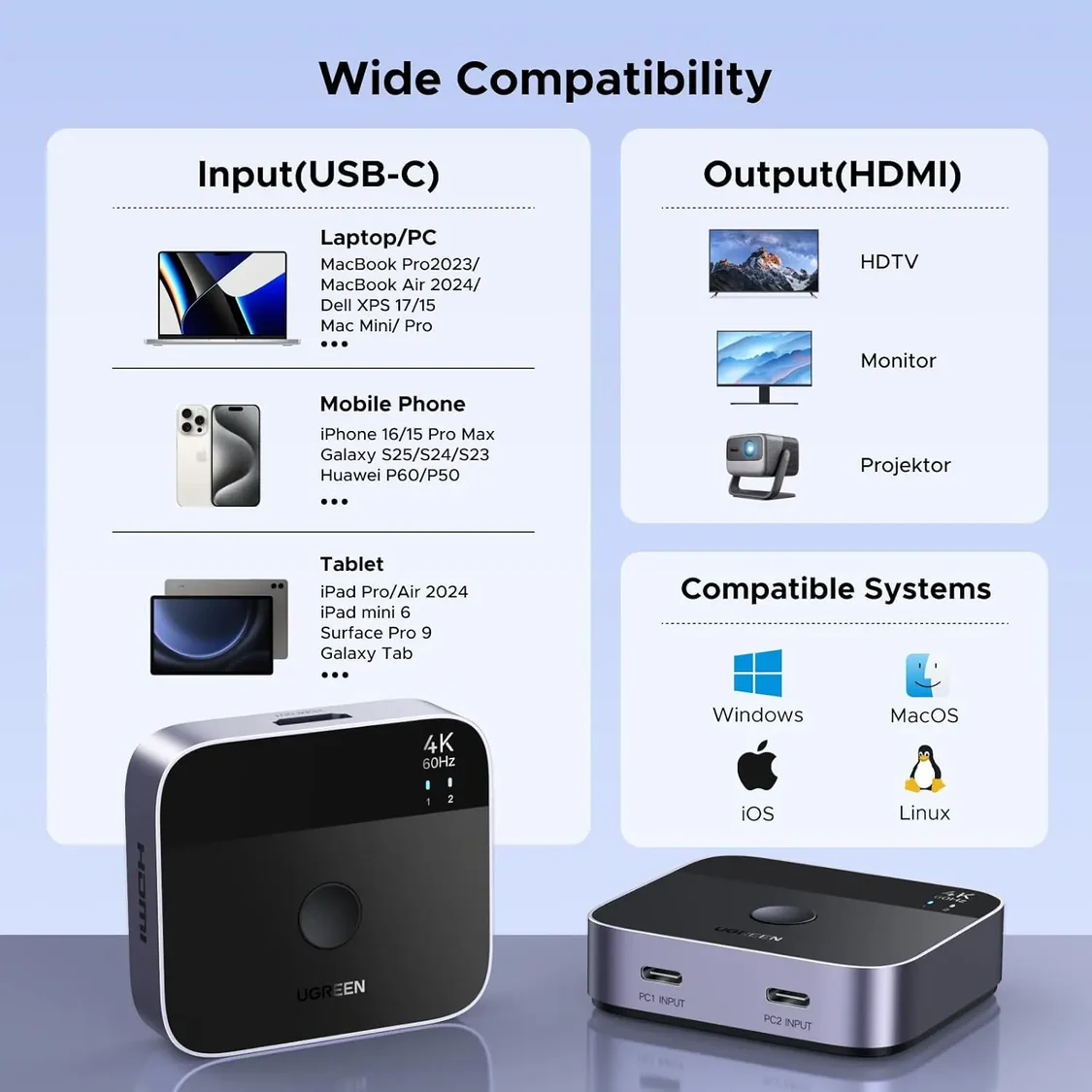
Plug and Play & Wide Compatibility: This type c switcher is driver-free and widely compatible with Windows, MacOS, Linux, iOS, iPadOS. It is also compatible with those devices that have a fully functional USB-C port, such as laptops, tablets, MacBook Air/Pro, smartphones, Steam Deck, ASUS ROG Ally, iMac All-in-One Desktop Computer, iPhone 15/16, and Samsung Galaxy S23 Ultra/S22 Ultra, etc
Important Notes: 1. It is NOT Bi-directional, and only Supports ONE monitor. 2. Before use, please make sure that the USB-C port of the input device supports DP Alt Mode, otherwise the video cannot be output. 3. Please connect to a monitor that supports HDCP, otherwise the image cannot be output. 4. NOT support Automatic Switching. 5. Not support ARC, CEC, and Free Sync. 6. Do not connect the Thunderbolt Docking Station or the Thunderbolt Hard Drive Enclosure